Podscape v2.3.0: The AI-Ready Kubernetes IDE with Native MCP & Security Hub
Podscape v2.3.0 marks a shift from a visual IDE to an intelligent Kubernetes companion. Explore the new MCP Server for AI tools, integrated Security Hub, and mission-critical Node operations.
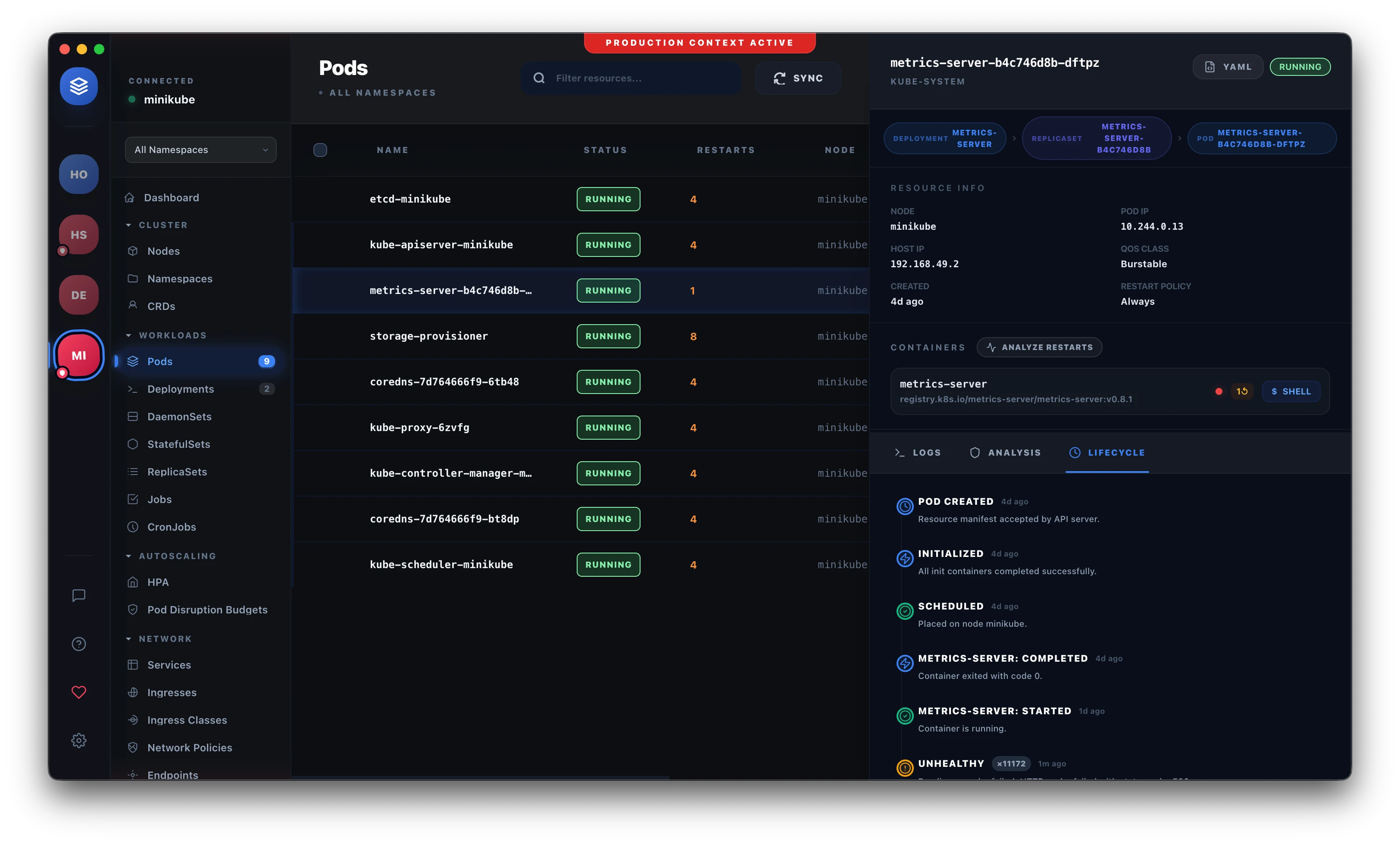
The landscape of Kubernetes management is shifting. While visual clarity was the primary goal of our initial release, the Podscape v2.3.0 update transforms the IDE into an intelligent companion for platform engineers and SREs.
This release isn't just about UI tweaks; it’s about intelligence and security. We are introducing native support for the Model Context Protocol (MCP) and a dedicated Security Hub to ensure your clusters are not only manageable but also proactively protected.
1. Built for the AI Era: Native MCP Server 🤖
The most significant addition in v2.3.0 is the integration of a Model Context Protocol (MCP) Server.
For the uninitiated, MCP allows AI assistants (like Claude, Cursor, or your local LLM agents) to securely interact with your local tools and data. By running an MCP server directly within the Podscape engine, your favorite AI can now:
- Examine Cluster State: Ask "Why is my deployment failing in the production-east namespace?" and get a detailed response based on real-time data.
- Run Diagnostics: Invoke Podscape's Smart Restart Analyzer via a chat interface.
- Fetch Logs & Events: Stream relevant logs directly into your coding environment for context-aware debugging.
With 25+ specialized tools exposed through the MCP interface, Podscape is now the bridge between your Kubernetes cluster and the AI-driven development workflow.
2. Integrated Security Hub & TLS Tracking 🛡️
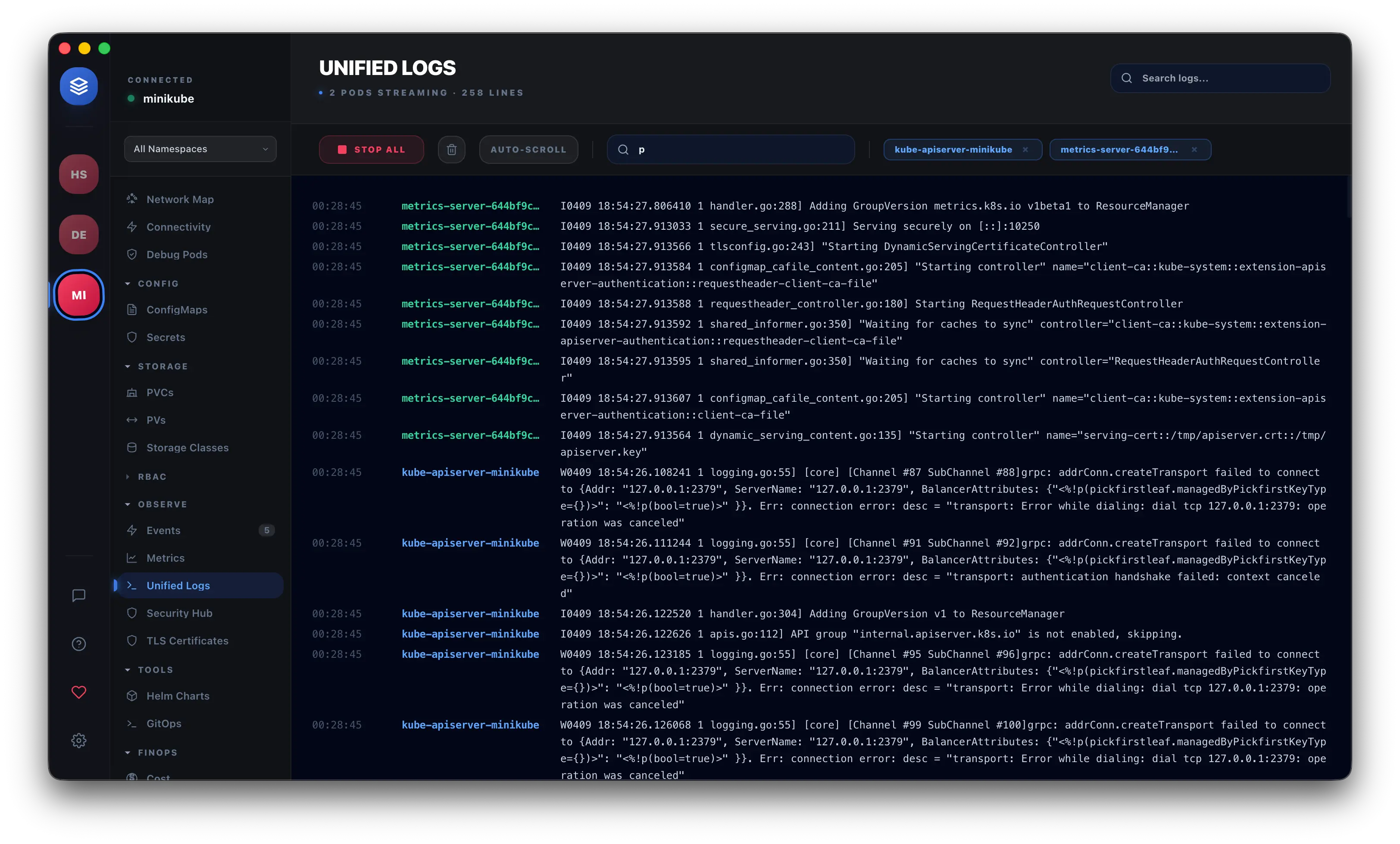
Security in Kubernetes often feels like a separate chore. In v2.3.0, we’ve centralized security operations into the Podscape Security Hub.
- Vulnerability Scanning: Proactively identify CVEs in your running containers using integrated Trivy-based diagnostics.
- TLS Certificate Tracking: Never let an ingress certificate expire again. Podscape now monitors TLS certificates across all namespaces, providing a clear timeline of expiries and proactively alerting you when a renewal is needed.
- Production Context Protection: A new safety layer prevents accidental destructive actions (like
deleteorscale) on production-labeled clusters without secondary confirmation.
3. Mission-Critical Engineering Tools 🛠️
We’ve listened to our power users and added the most requested "day-to-day" engineering operations directly to the dashboard:
Node Operations
Manage your compute layer with precision. You footprint can now Drain, Cordon, and Uncordon nodes directly from the UI. Podscape handles the eviction logic gracefully, ensuring your workloads are safely rescheduled.
Manual Triggers & GitOps
- CronJob Triggers: Need to run that cleanup job now? Trigger any CronJob manually with a single click.
- FluxCD & GitOps Integration: Visualize the state of your FluxCD reconciliation. Identify drift and reconciliation errors instantly within the native interface.
4. Under the Hood: The Modern Kubernetes IDE Architecture ⚡️
Performance remains our cornerstone. We’ve refined our architecture into a Three-Process Model:
- UI Process: A lightweight React/Vite layer for stunning visual performance, following our modern DevOps tool principles.
- Engine Process: A dedicated manager for application state and local caching.
- Go-Powered Sidecar: The "brain" of the operation. Running native Go code, this sidecar uses Kubernetes Informers to maintain a 1:1 real-time mirror of your cluster state with sub-15ms latency.
This architecture ensures that even on massive clusters with thousands of pods, the UI remains fluid and responsive.
5. Why Choose Podscape over CLI?
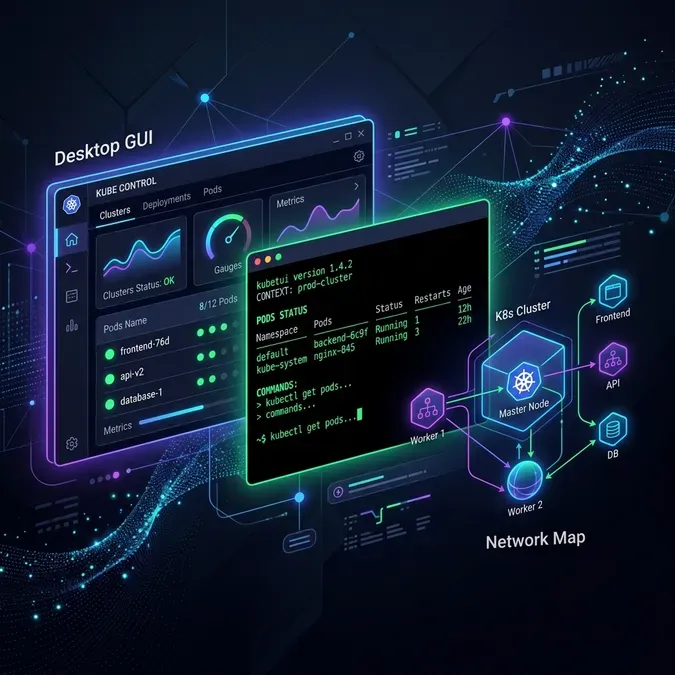
While kubectl is the gold standard, Podscape provides the high-level context that a CLI lacks. Whether it’s optimizing Docker images or debugging complex RBAC policies, having a visual, AI-augmented IDE reduces the cognitive load on engineers.
Frequently Asked Questions
What is an MCP Server for Kubernetes?
The Model Context Protocol (MCP) Server allows AI agents to safely query your cluster state, fetch logs, and run diagnostics as if they were a human engineer. Podscape v2.3.0 exposes 25+ tools to AI assistants via this protocol.
How does Podscape track TLS certificates?
Podscape monitors your cluster's Ingress and Secret resources to identify TLS certificates. It calculates expiry dates in real-time and provides a proactive dashboard showing which certificates need immediate attention.
Does Podscape support multi-cluster management?
Yes. Podscape natively handles multiple kubeconfigs and contexts, allowing you to switch between edge, staging, and production clusters instantly with secure "Production Protection" layers.
Is Podscape an open-source Kubernetes IDE?
Podscape follows an Open Core model. Our community repository hosts the core documentation and community-driven release binaries, while the premium IDE provides advanced features like the MCP server and Security Hub.
Getting Started with v2.3.0
Ready to upgrade your Kubernetes experience? The latest release is available now for macOS, Windows, and Linux.
Join our community on GitHub and share how you're using the new MCP tools. Let's build the future of cloud-native engineering together.