
The ultimate Homebrew GUI
Say goodbye to complex terminal commands. Pint gives you a native, beautiful macOS interface to browse, install, and manage all your Homebrew packages effortlessly.
Free forever · Notarized by Apple · Requires Homebrew
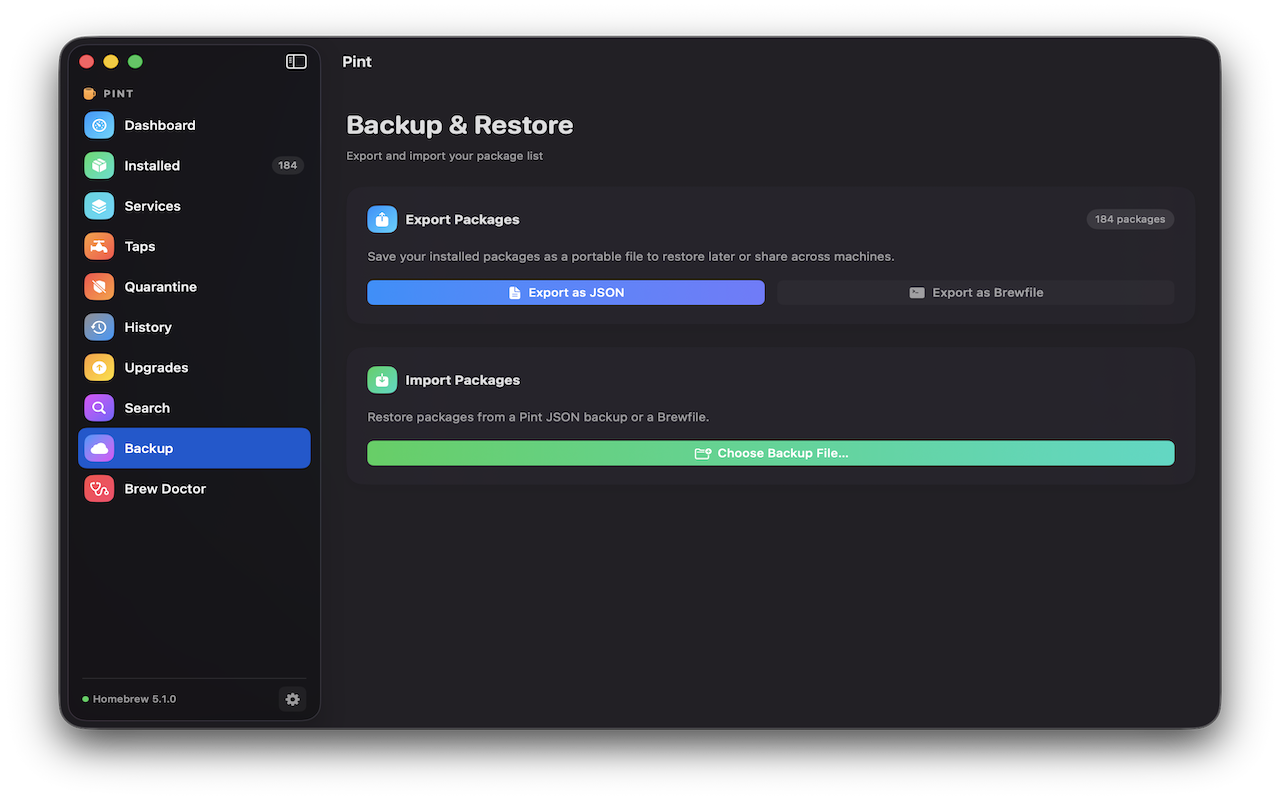
Powerful Features, Native Feel
Built from the ground up with SwiftUI — blazing fast performance and a UI that feels perfectly at home on macOS.
No More Terminal Commands
Install, uninstall, and upgrade packages (formulae & casks) via a clean GUI without touching the command line.
Live Output & Control
Watch live streaming output during operations in real time, and cancel any running operation mid-flight.
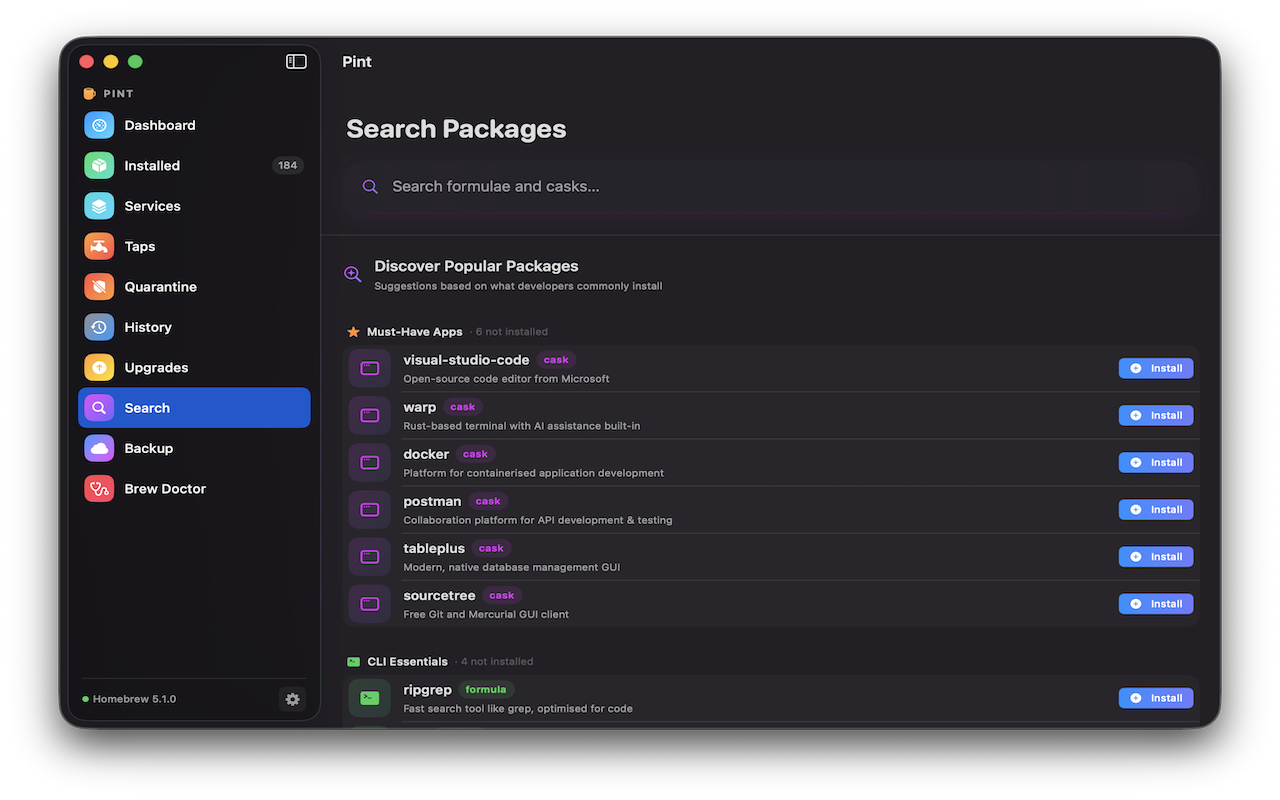
Search & Bulk Actions
Search with instant results and bulk install mode. Pin formulae, auto-remove dependencies, and cleanup old versions.
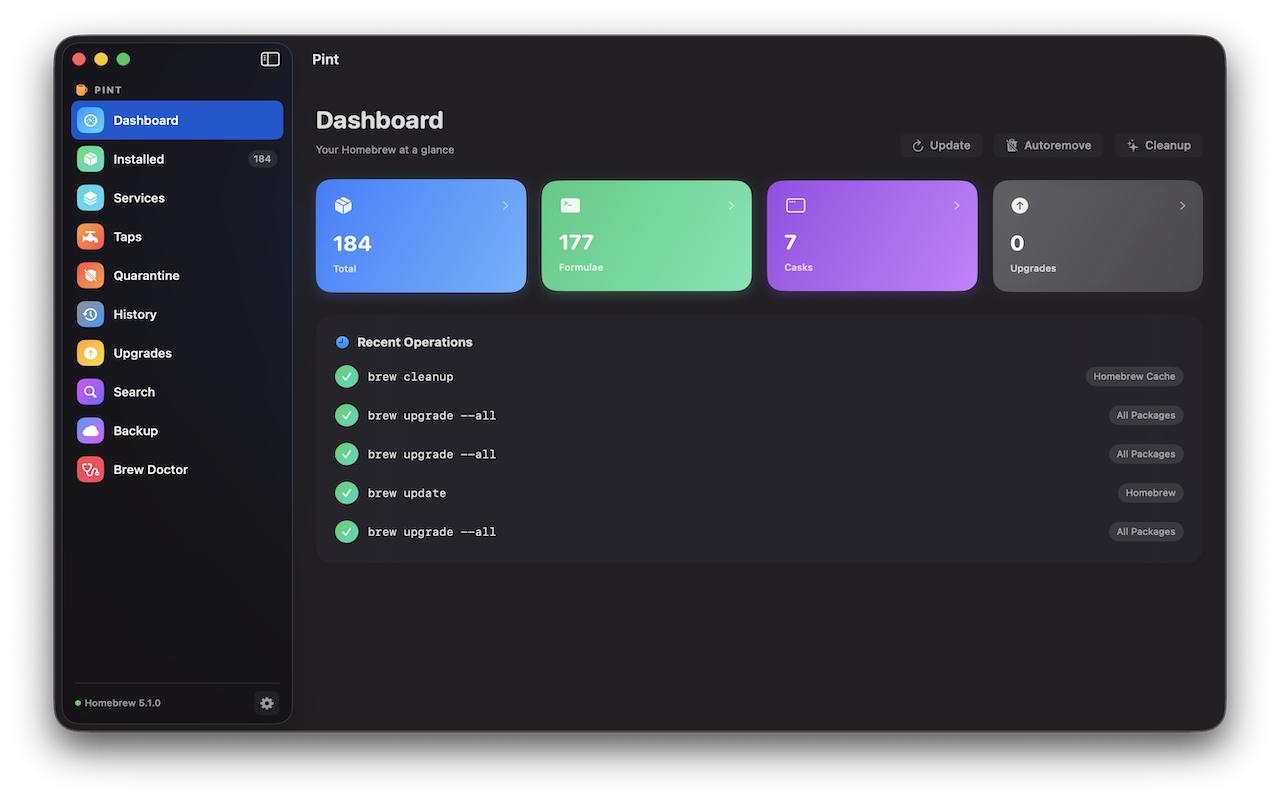
At-a-Glance Dashboard
View stats and outdated package counts. Access one-click Upgrade All, Cleanup, and Autoremove functionality.
Deep Package Details
View versions, caveats, and dependencies. Read GitHub release notes, add personal notes, and explore the dependency tree.
Services & Taps
Fully manage Homebrew services and taps directly from the intuitive visual interface.
Native Menu Bar UX
A lightweight menu bar popover always one click away, with background update checking on a configurable interval.
Reliable & Universal
Universal binary for Apple Silicon and Intel. Notarized by Apple. Operations are locked during runs to prevent conflicts.
Open Source
Free forever and fully open source under the MIT license. Contributions welcome on GitHub.
Experience the difference today
Join developers who have upgraded their Homebrew experience from the terminal to a beautiful native application.
Requires macOS 15.0 or later · Universal binary (Apple Silicon + Intel)
Privacy Policy